
Hemlio
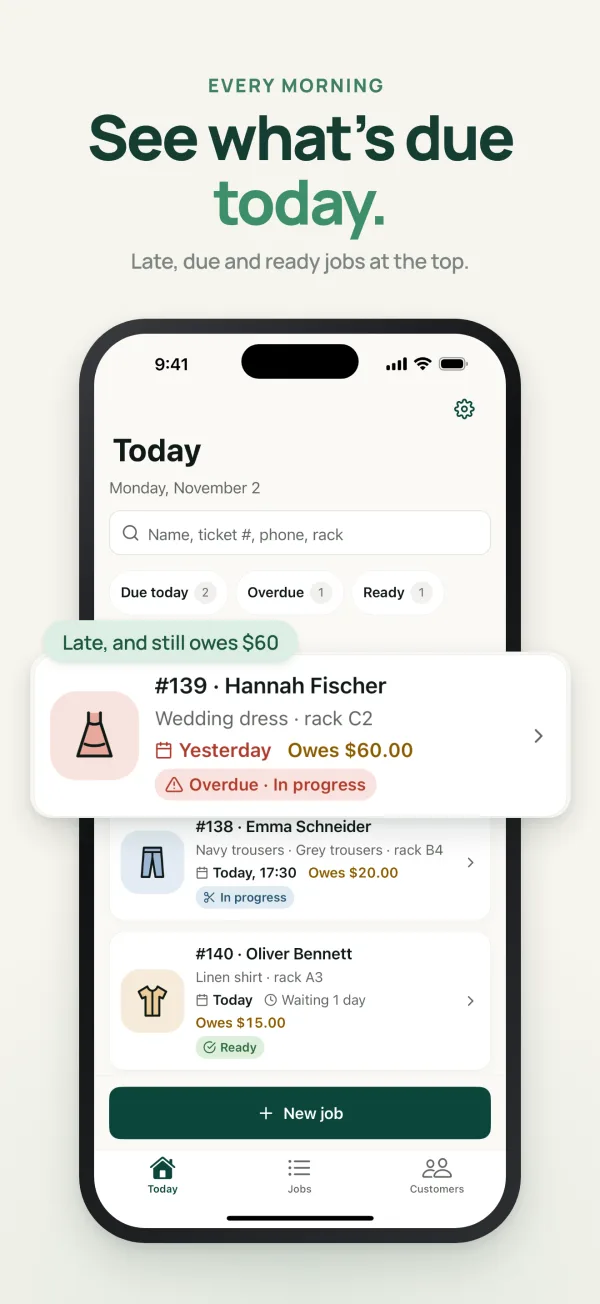
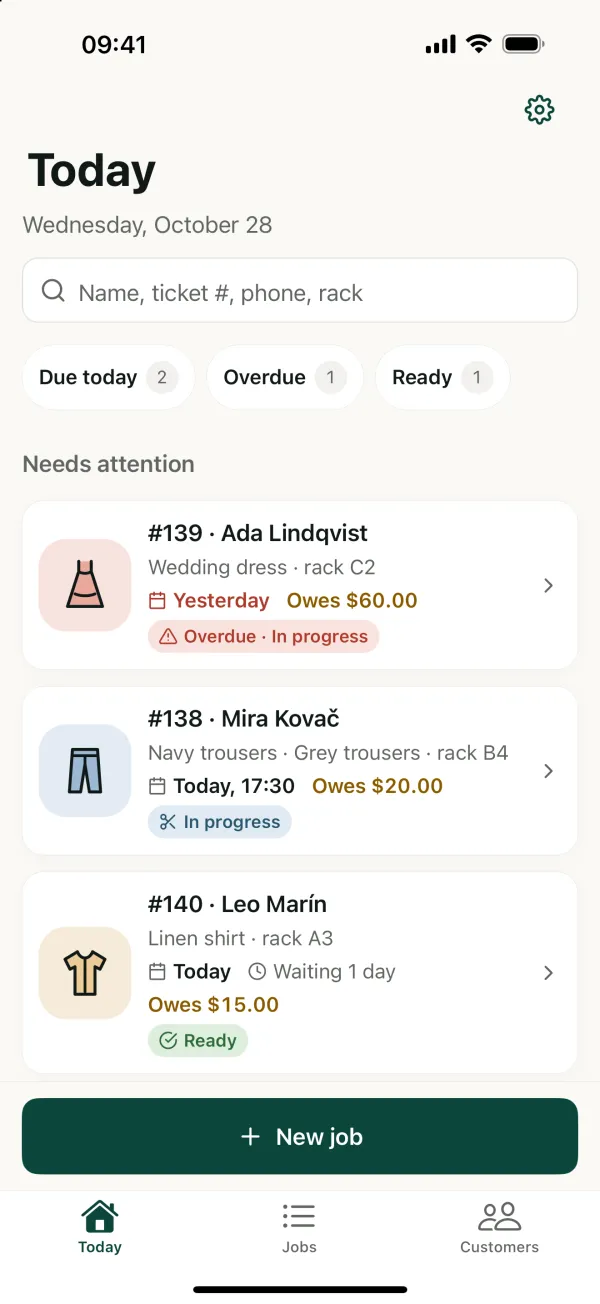
Know what’s due today.
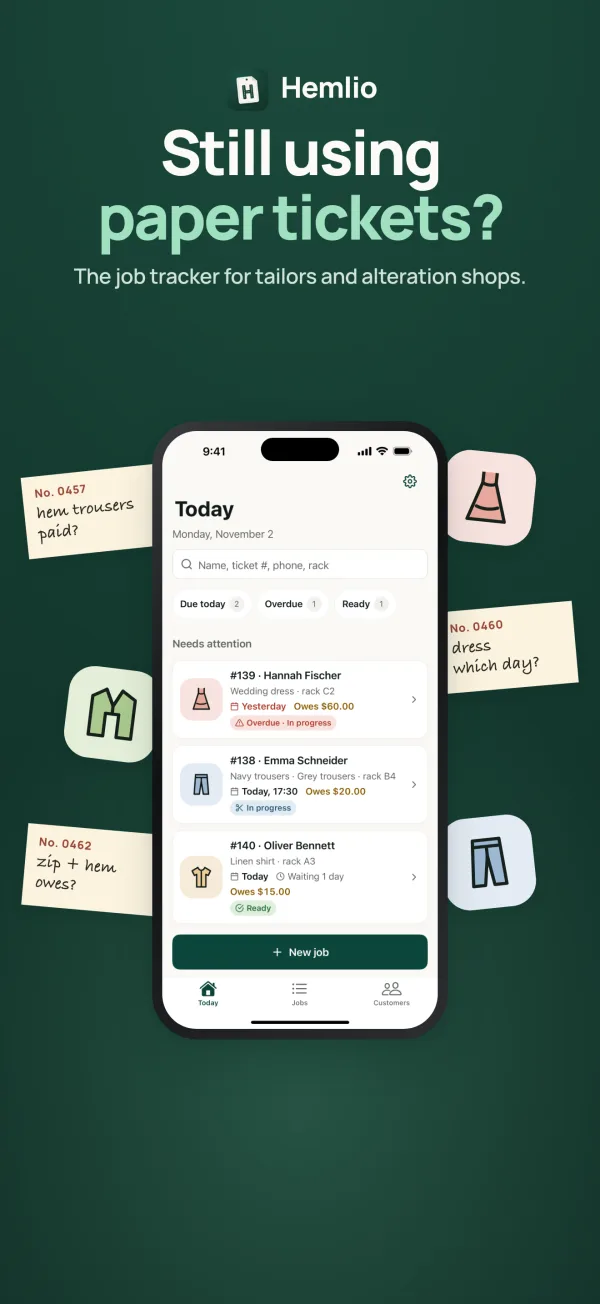
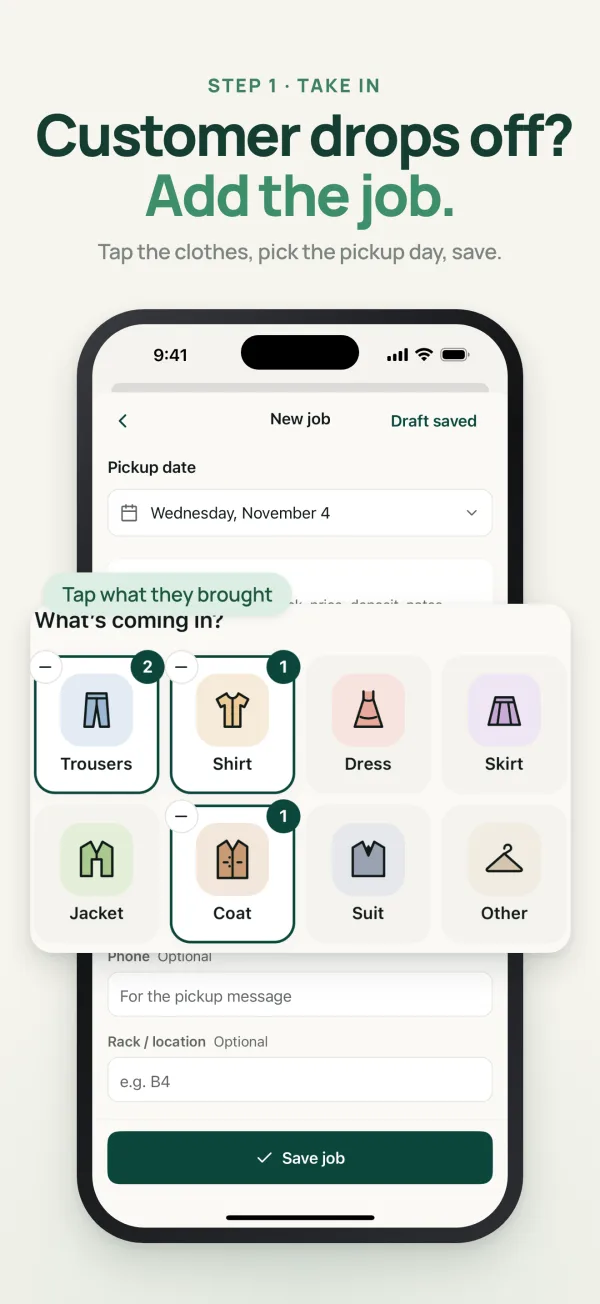
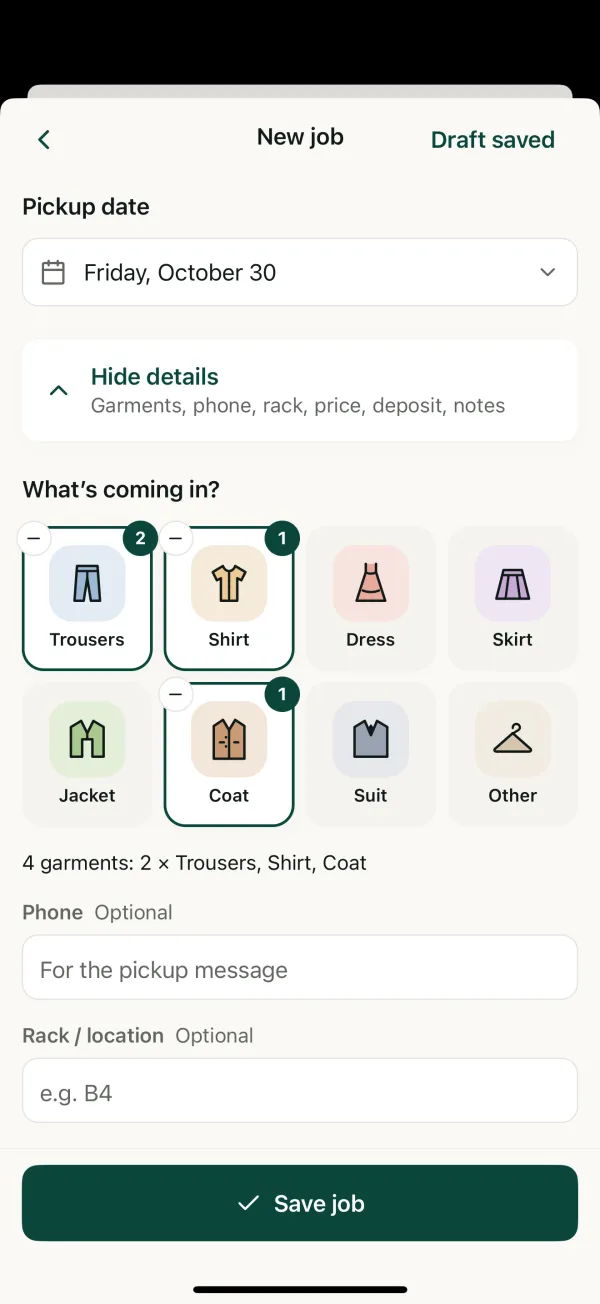
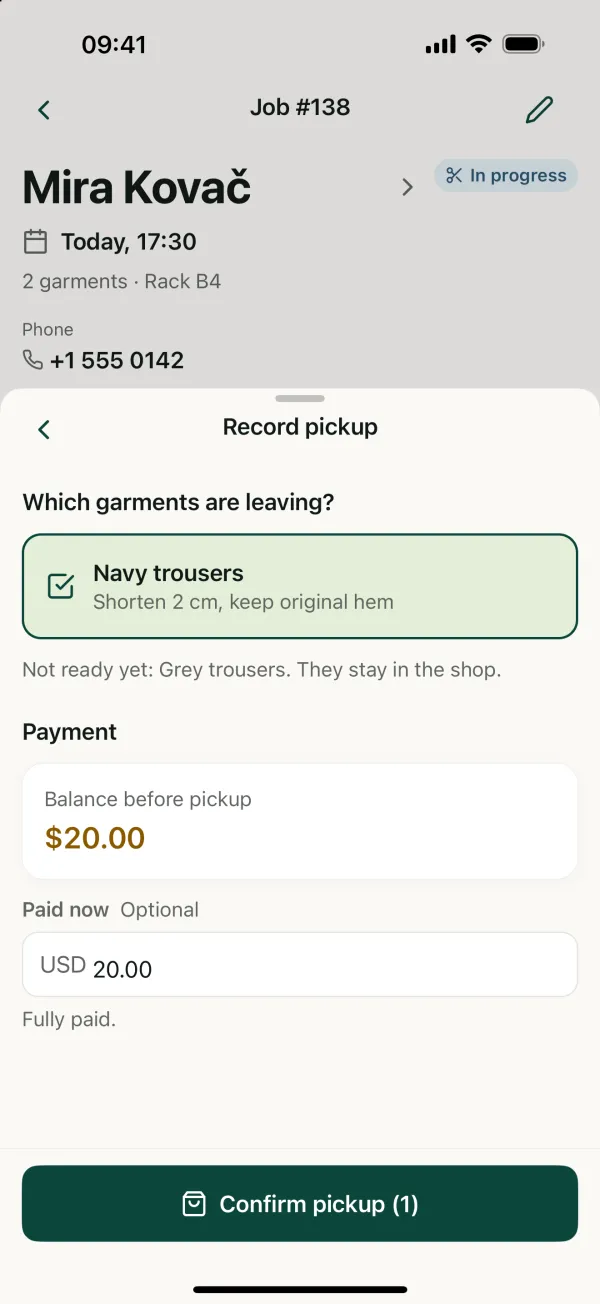
Keep your paper ticket. Hemlio keeps what came in, each garment’s instructions, the measurements, the balance and the pickup, together on your phone.
- Price
- Free
- first 20 jobs
- Account
- None
- records stay on your phone
- Works
- Offline
- no internet needed
- Languages
- 11
- English and 10 more
Screenshots
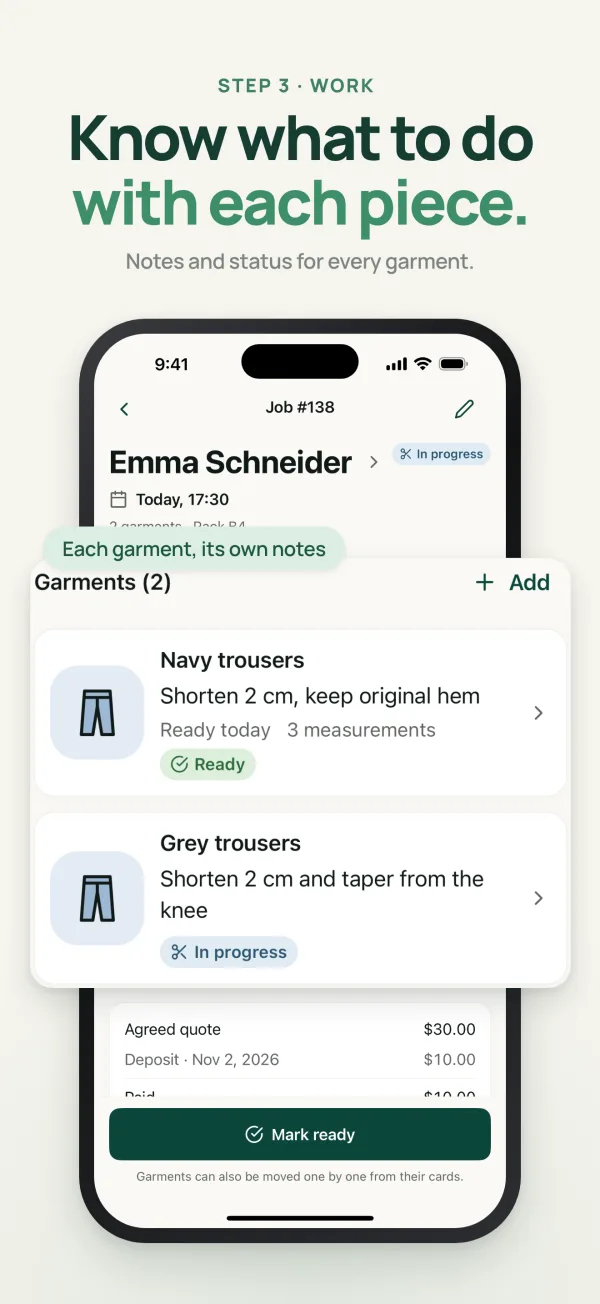
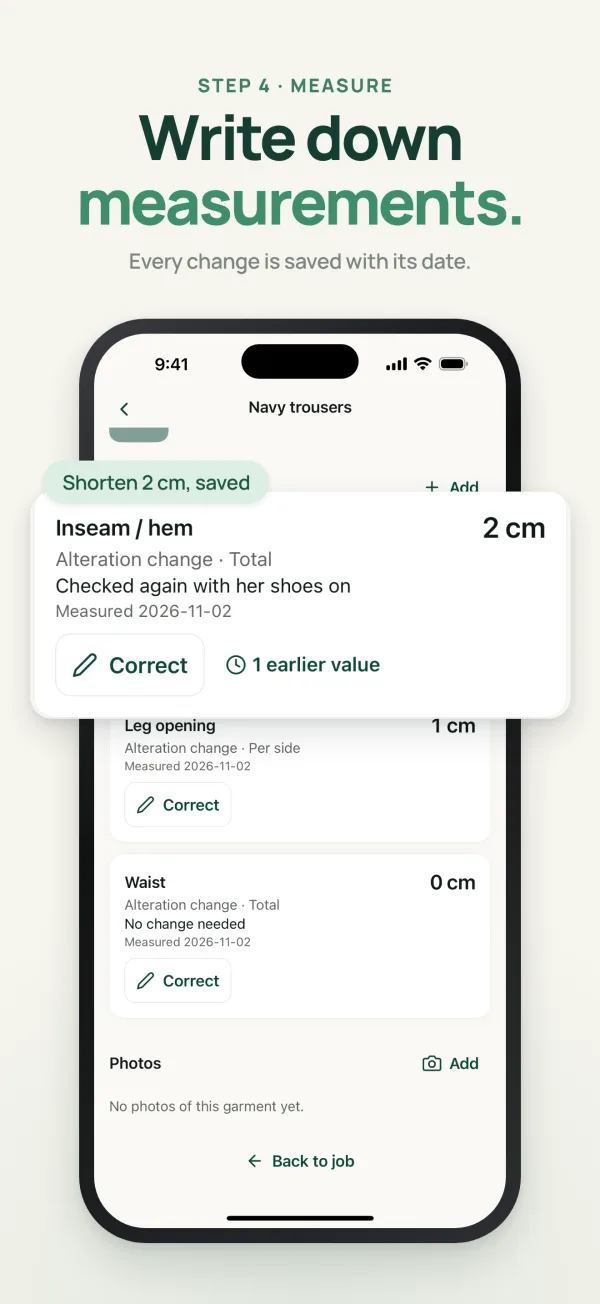
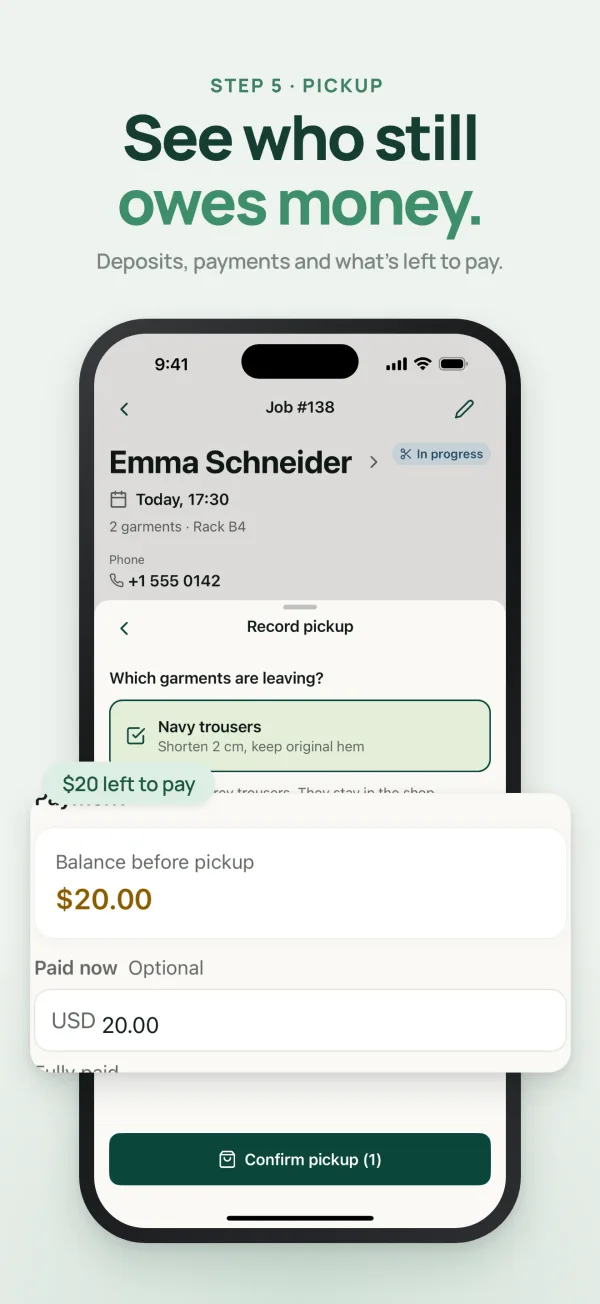
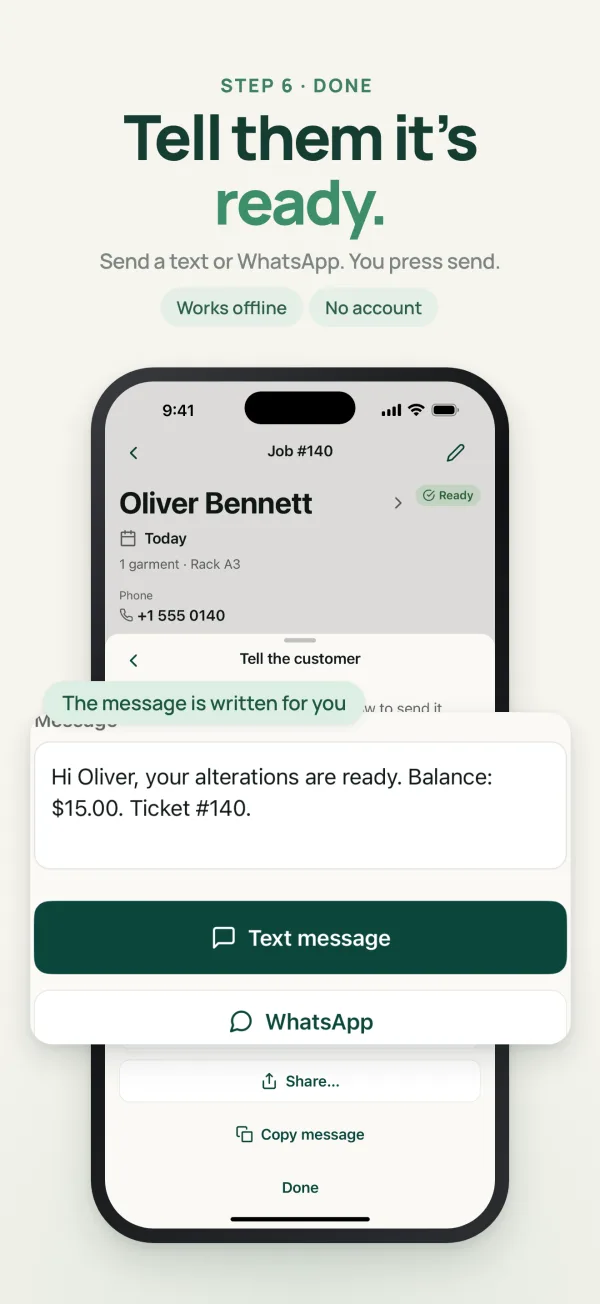
How it works
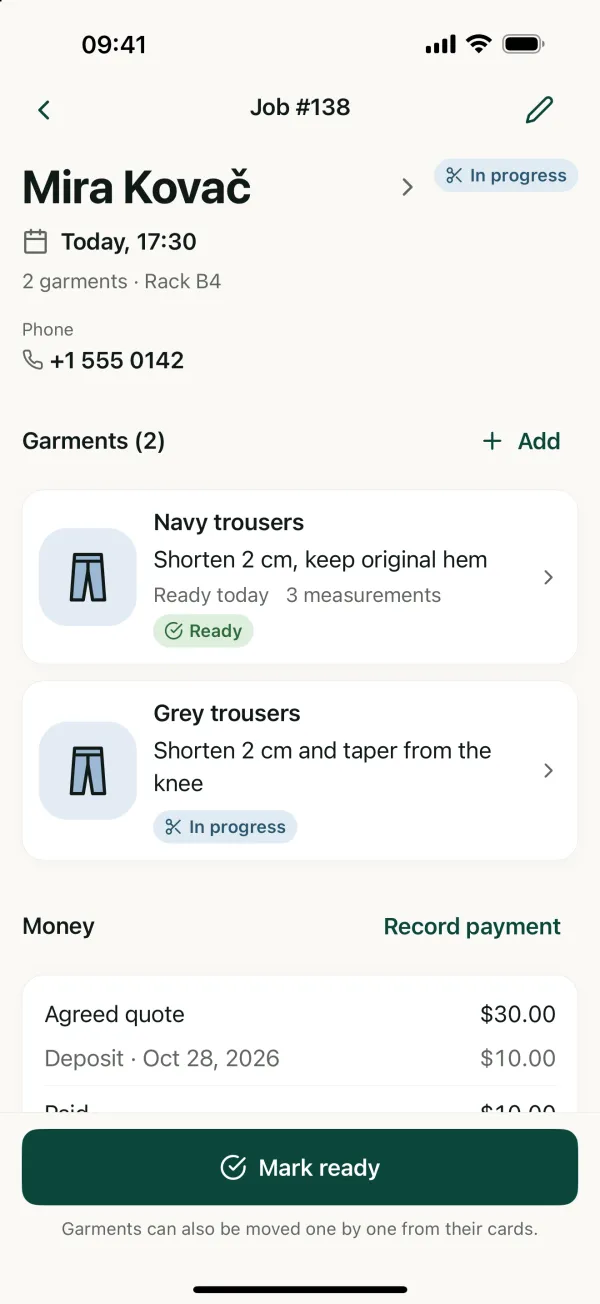
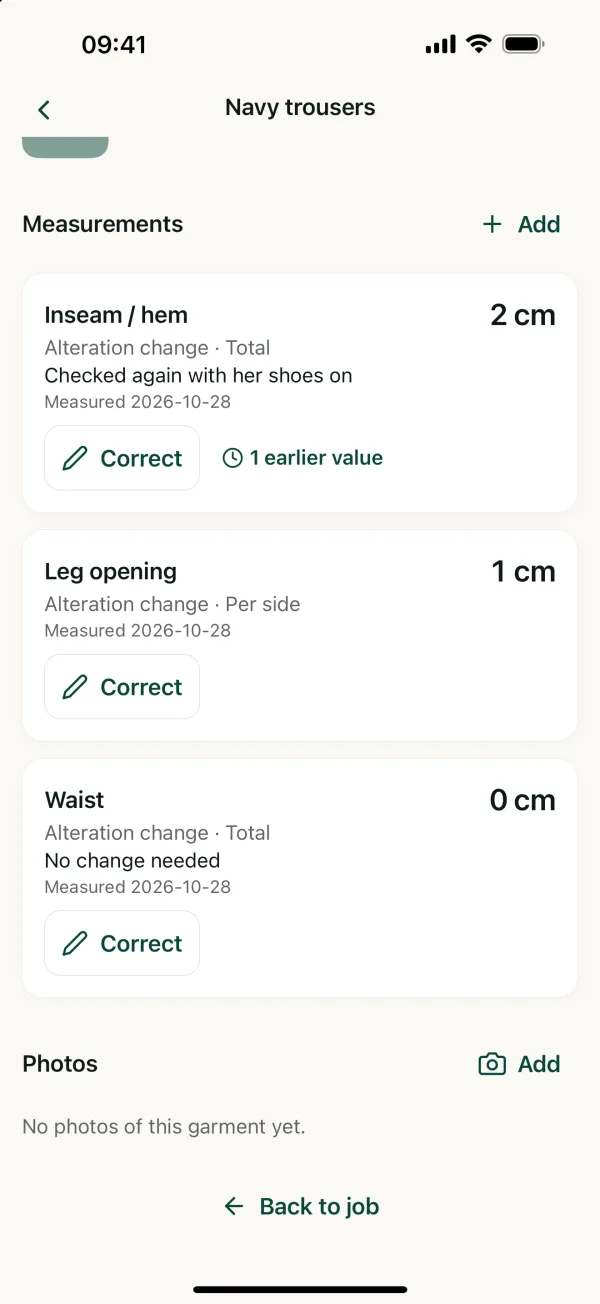
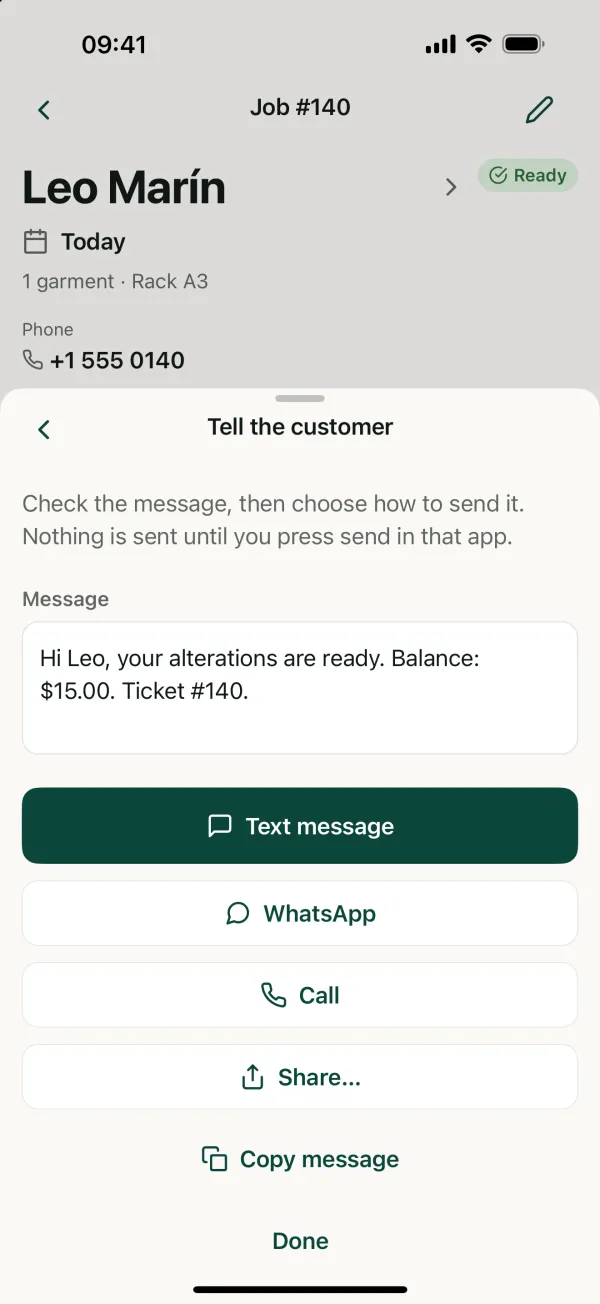
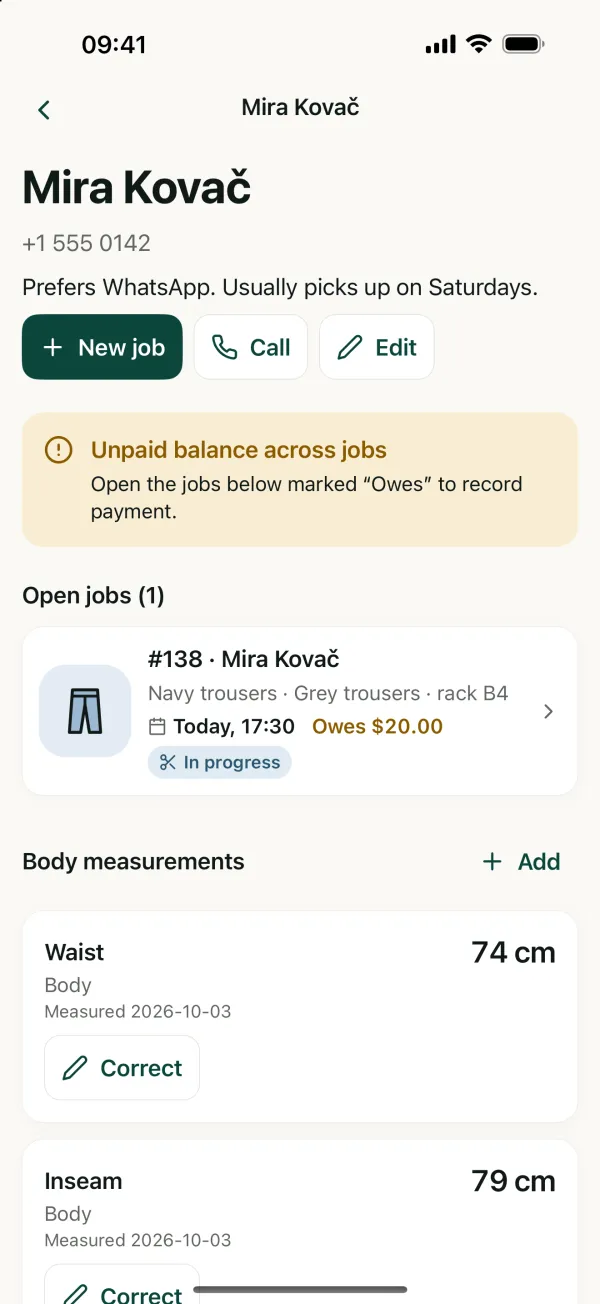
One job, from the counter to pickup.
The same moments you already have in the shop, each one quicker to note and easier to find.
Why it exists
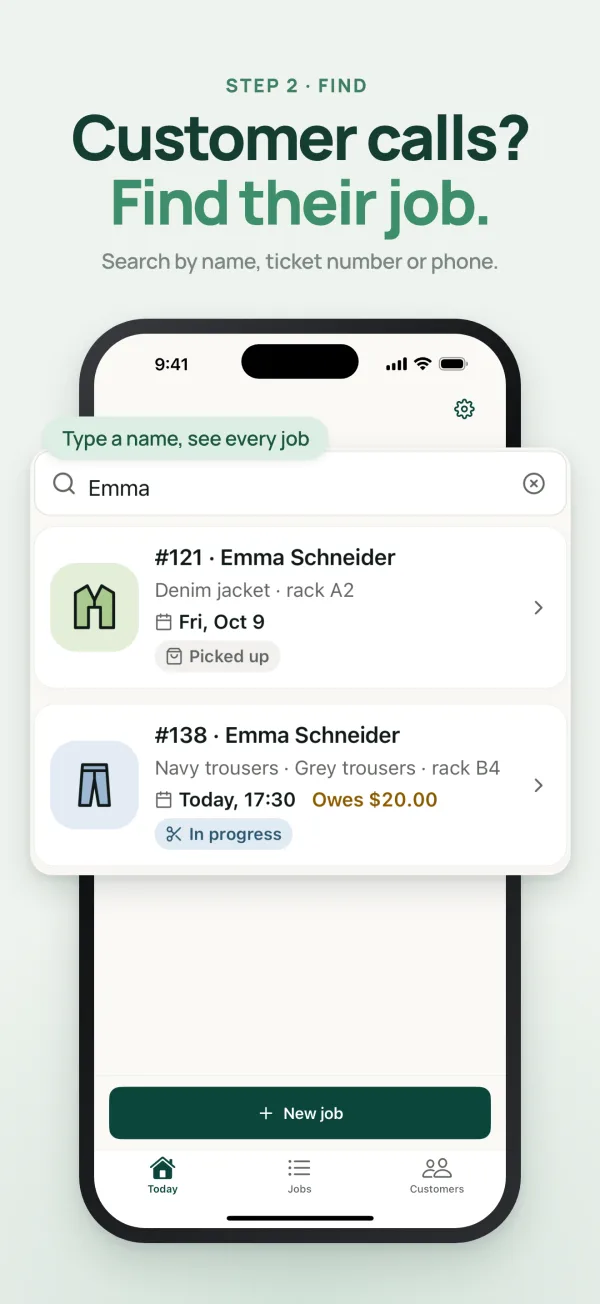
Measurements, instructions, deposits and pickup dates end up in different places: the ticket, a notebook, the customer’s memory. Sooner or later a garment gets lost or a balance is forgotten. With Hemlio you type a name and see the job: open jobs, balance and dated measurements, one tap away.
Everything at the counter
- Undo a status you changed by mistake.
- Measurements with history: body sizes, finished sizes and alteration changes.
- Quotes, deposits and balances, so you always know what’s still owed.
- Ticket and garment photos, if you like.
- App Lock with Face ID, fingerprint or passcode.
- 11 languages. Your notes stay exactly as you typed them.
Pricing
- Start
- Free
- Your first 20 jobs, with every feature.
- iPhone
- $12 /month
- Unlimited new jobs. Cancel anytime in your App Store settings.
- Android
- One-time
- Unlock unlimited new jobs once, no subscription.
Prices can vary by country; the store shows yours before you pay. Jobs you’ve entered always stay editable and exportable.
Your privacy
No account, no ads, no tracking. Hemlio has no server holding your shop’s records: your customers, jobs, measurements and photos stay on your phone. Back up to a file you keep, or export CSV and PDF any time.
Questions
Does Hemlio send messages for me?
No. It prepares the text and opens Messages, SMS or WhatsApp. You press send.
Do I need an account or internet?
No. Hemlio works offline and has no account. Your records stay on your phone.
I got a new phone. How do I move my jobs?
Save a backup in Settings › Backup & export, then on the new phone choose that backup file. You see what’s inside before anything changes.
Can it make invoices?
No. You can share a PDF job summary, but it is not a tax invoice.
Which languages does it speak?
English, German, French, Spanish, Italian, Portuguese, Dutch, Turkish, Russian, Arabic and Albanian. Customer names and notes stay exactly as you typed them.
More answers on the support page, or write to hello@foveo.tech.
Every alteration, remembered.
Free for your first 20 jobs. iPhone and Android.
 Next: Fresh Again